Home About Products RF Antenna Tracker GNSS Anti-Jamming Modules MIMO Mesh Data Links IRIG-106 Telemetry Receiver IRIG-106 Telemetry Transmitters Video Encoders News Careers Contact

VCUVideo Compression Units

From $2,499 USD

ITAR-free·Ships in 8–12 weeks

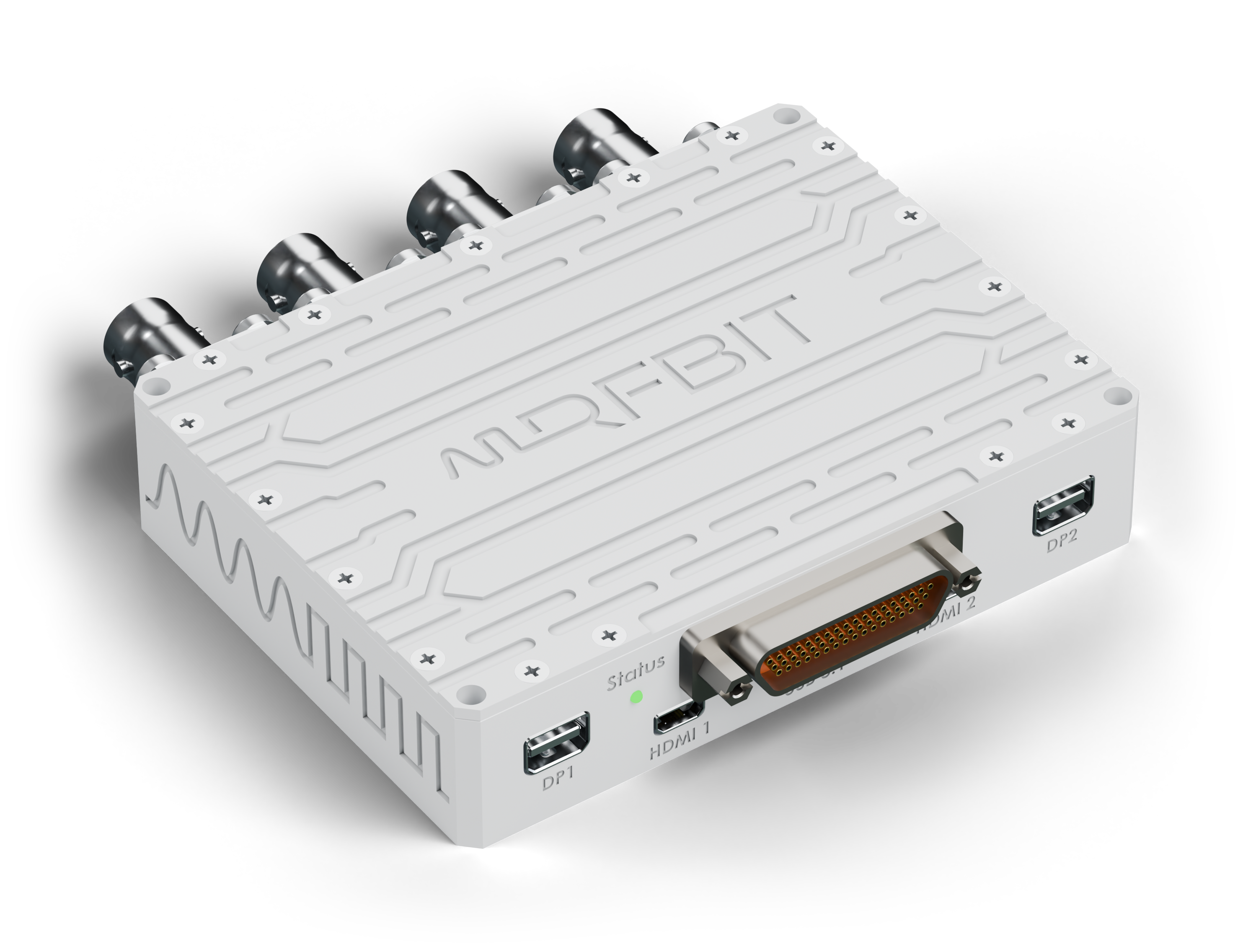
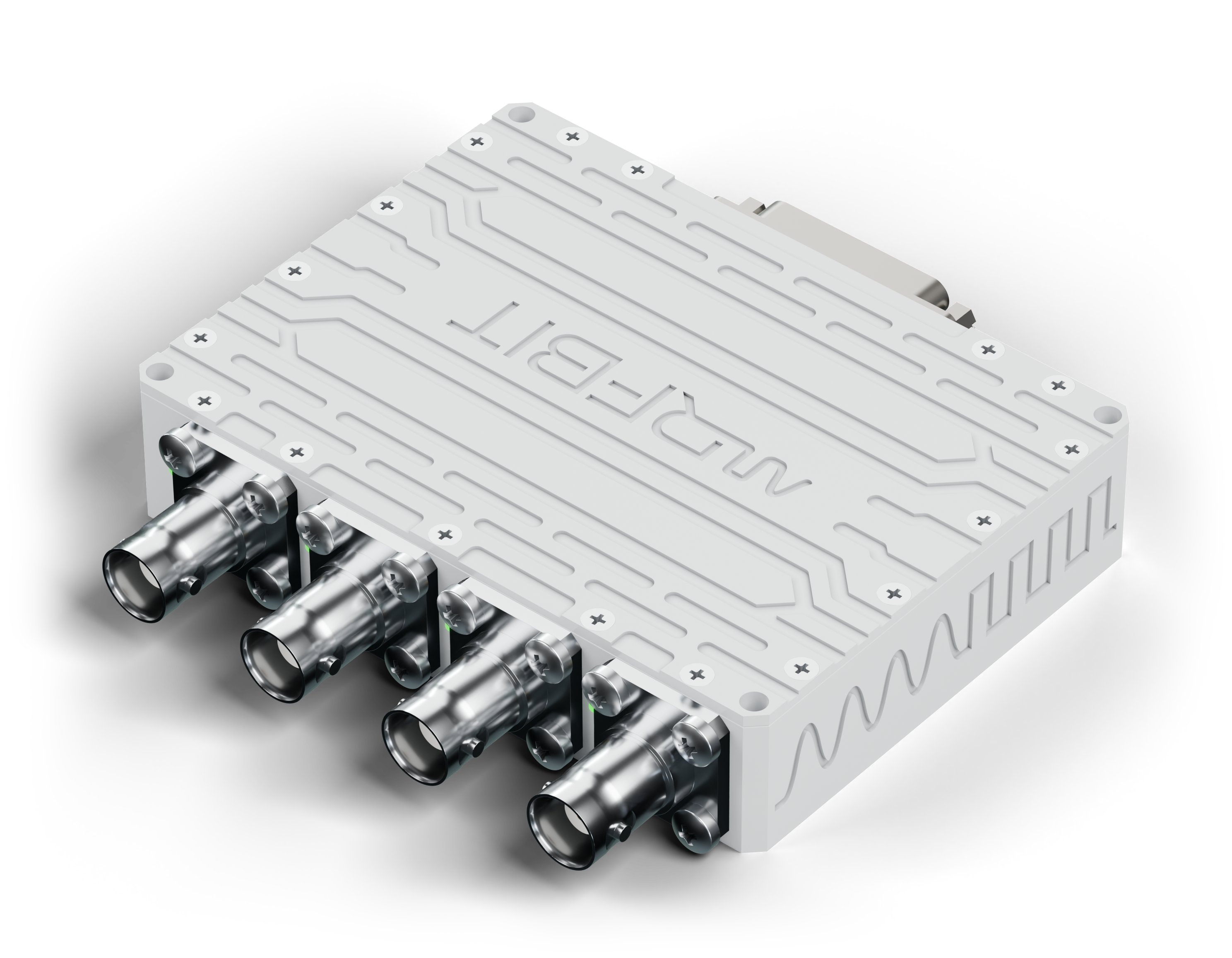
A 125-gram video encoder for unmanned and manned platforms. It takes four analog cameras, HDMI and DisplayPort sources, GigE Vision and USB cameras, compresses them to H.265 or H.264 in hardware, and sends the streams over Gigabit Ethernet to the data link. Every parameter is set from a browser.

RFBIT VCU video encoder
4K60 Max Resolution
H.265 and H.264, in Hardware
<50 ms Glass to Glass
8 Video Inputs
125 g Total Weight
Explore

Onboard Encoding

Gigabits in.
Megabits out.

An uncompressed 1080p camera at 30 frames per second produces about 1.5 Gbit/s; a tactical data link carries a few megabits. VCU closes that gap on the aircraft: H.265 or H.264 in dedicated hardware, at up to 3840 × 2160 and 60 frames per second, down to the bit rate the link can hold.

Camera1.5 Gbit/s H.2652 Mbit/s

Footage: NASA, from a 4K ProRes master. Each rate encoded to H.265 with x265 and shown 1:1.

H.265and H.264
4K60Max Resolution
8Streams at Once

Low Latency

Video you can
fly on.

An encoder built for recording can afford delay; one feeding an operator who is steering a gimbal or the aircraft cannot. VCU encodes in a low-latency mode, slice by slice, so a frame starts leaving the unit before it has finished arriving.

Clock in front of the camera0.000seconds
The same clock on the operator’s screen0.000seconds
Glass to glass 48 ms
Capture4 ms Encode, slice by slice8 ms Link10 ms Decode9 ms Display17 ms

How glass-to-glass latency is measured: the camera films a running clock, and the clock on the operator’s screen is read against the real one. Illustration at the stated latency; stage times are typical values.

<50 msGlass to Glass
Sub-frameEncoding
CBRLink-Sized Bit Rate

Video Inputs

Whatever the camera
already speaks.

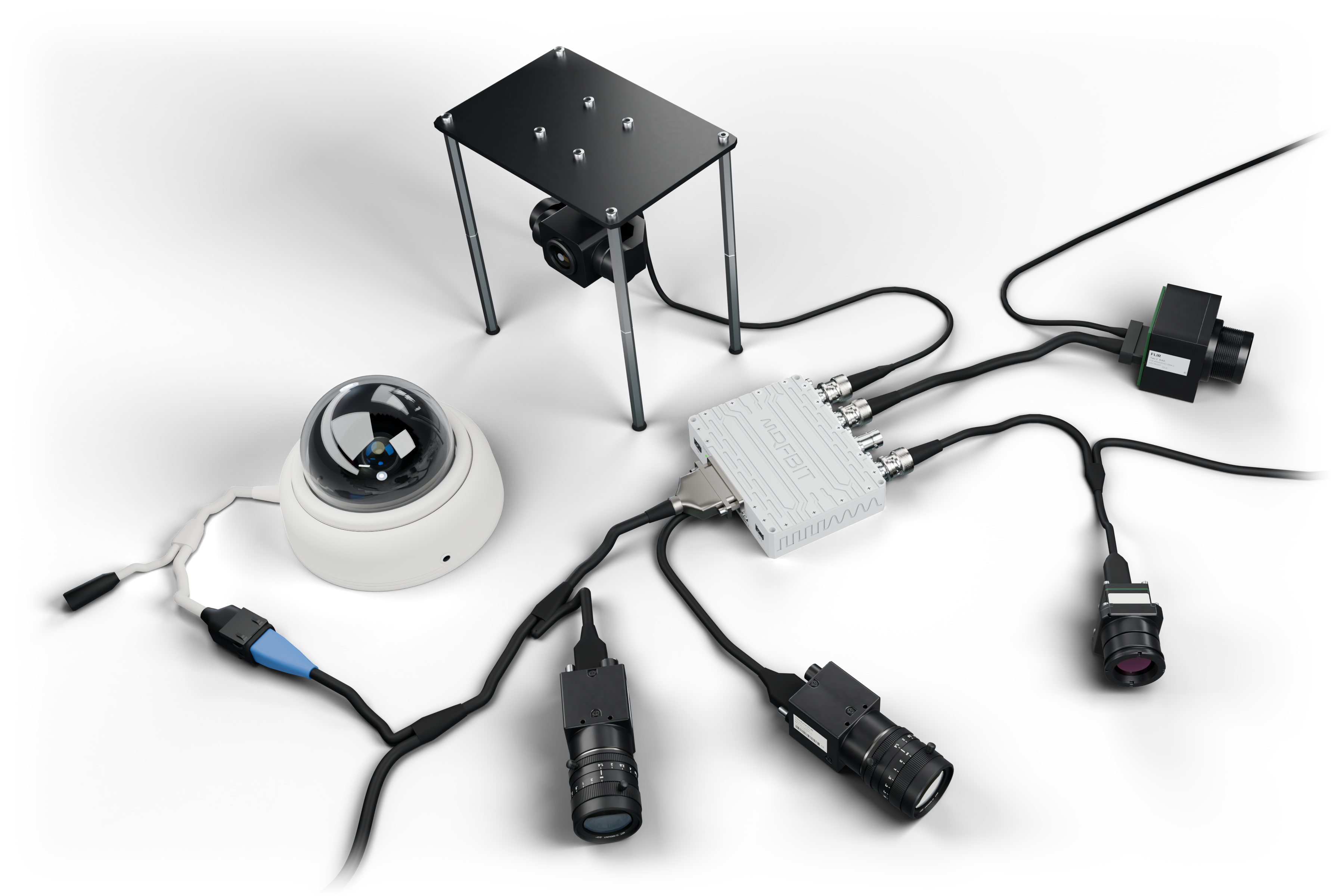
Four analog cameras on BNC, HDMI and DisplayPort sources, GigE Vision cameras on Ethernet and USB3 Vision cameras on USB 3.1, all into one unit. Teledyne FLIR cameras work directly, with nothing to add.

VCU with a thermal core, a Boson and a gimbal camera on BNC, a GigE Vision camera and an IP dome on Ethernet, and a USB3 Vision camera on USB-C
4Analog (BNC)
HDMI · DPDigital
GigE · USBMachine Vision
FLIRSupported Directly

Quad View

Four cameras.
One stream.

On a narrow link, VCU tiles the four analog cameras into one picture and encodes it as a single stream: one bit rate to budget, one stream to record, and every camera in view at once. Any of them can be switched to full frame from the ground.

CH1 · Gimbal EO CH2 · Thermal CH3 · Nose CH4 · Belly
4 → 1Cameras per Stream
1Bit Rate to Budget
LiveSwitch to Full Frame

KLV Metadata

Every frame knows
where it was taken.

VCU inserts MISB ST 0601 KLV metadata into the video stream, as STANAG 4609 asks: the platform’s position and attitude from the autopilot, where the sensor is looking from the gimbal, and a precise time stamp on every frame. Any STANAG 4609 viewer can put the video on a map.

MISB ST 0601 · live

2Precision Time Stamp 
5Platform Heading 
13Sensor Latitude 
14Sensor Longitude 
15Sensor True Altitude 
16Sensor Horizontal FOV 
18Sensor Relative Azimuth 
19Sensor Relative Elevation 
23Frame Center Latitude 
24Frame Center Longitude 

Illustrative values

ST 0601MISB KLV
4609STANAG
EveryFrame Time-Stamped

Encrypted Stream

Every stream.
One encrypted link.

VCU multiplexes every encoded stream, the KLV metadata and the platform’s serial data into one transport stream and encrypts it with AES-256 before it leaves the unit. The link carries a single flow on a single port, and only a ground station holding the key can open it.

CH1 · analogCH2 · analogCH3 · analogCH4 · analogHDMIDisplayPortGigE VisionUSB cameraKLV metadataSerial dataMultiplexone MPEG-TSAES-256encryptedOne stream, one portto TTS or the network
AES-256Encryption
1Transport Stream
10Sources Inside

IRIG-106 Telemetry

Video over IRIG-106.
Straight into TTS.

Flight test ranges already bring IRIG-106 telemetry down. VCU sizes its transport stream to the TTS data rate and hands it over on one harness, as RS-422 clock and data or over Ethernet, so the video goes down the same L/S-band link as the rest of the flight data and comes out of a TRS-1S at the ground station.

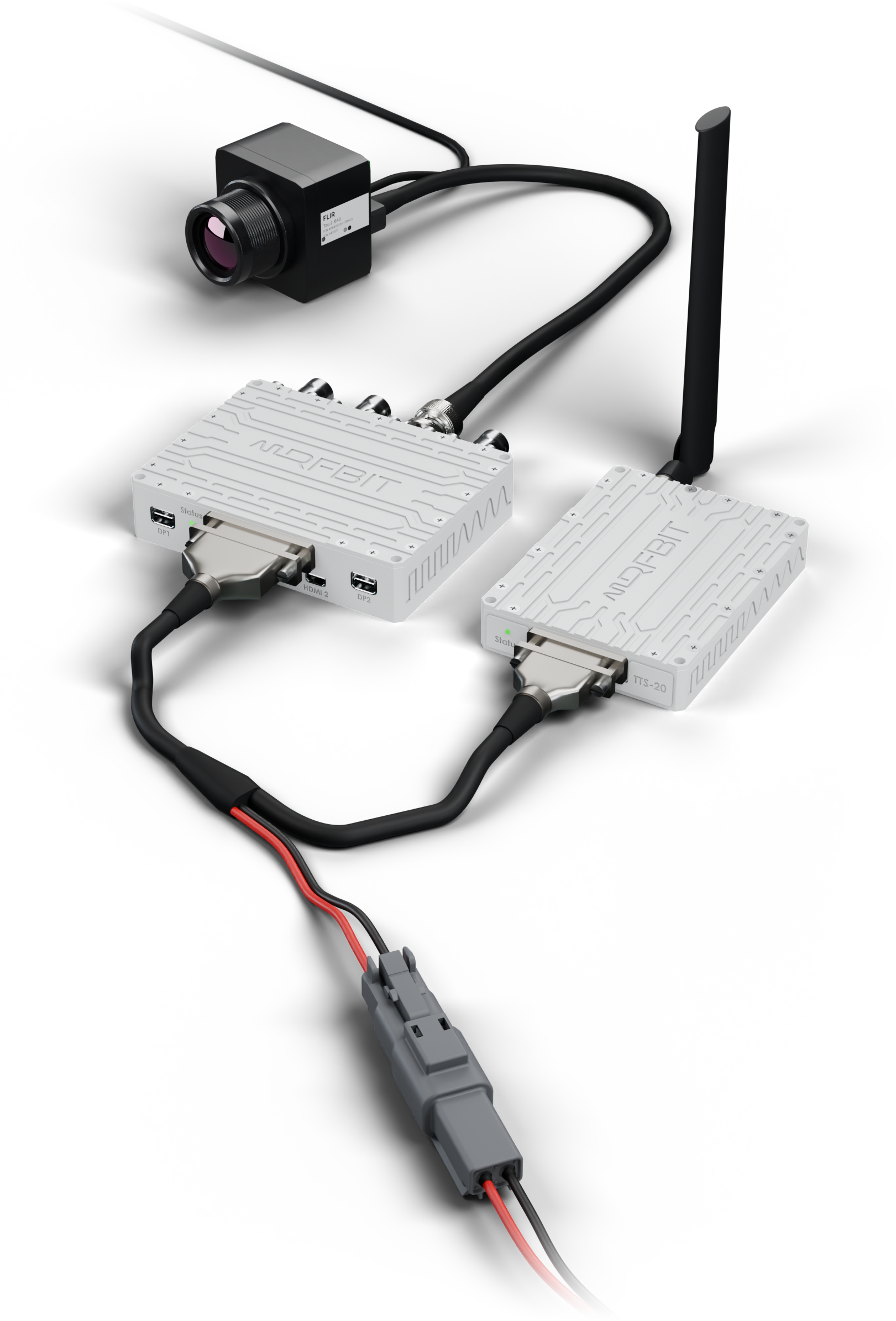
VCU connected to a TTS telemetry transmitter with one harness, an omni antenna on the TTS and a Tau 2 thermal core on BNC

Constant Bit Rate

The stream is padded to an exact, constant rate anywhere from 50 kbit/s to 40 Mbit/s, the range TTS transmits, so the telemetry frame never runs short or overflows.

Chapter 10 Packets

For recorders and ground stations, video and KLV can also leave as IRIG 106 Chapter 10 packets, the format flight-test recorders already read.

One Harness

A single cable from the 51-pin Micro-D to the TTS carries the stream, its clock and the control lines. TTS encrypts it with AES-256 and transmits it.

40 Mbit/sMax into TTS
Ch. 10IRIG 106 Packets
1Harness

Onboard Recording

Record everything.
Send what fits.

VCU records every input at full quality on a built-in 2 TB SSD while it streams a lighter copy down the link. After the flight the recording comes off over Ethernet; during it, any minute can be replayed to the ground on request.

Recording time on 2 TB hours
2 TBOnboard SSD
FullQuality Recorded
ReplayOn Request

Configuration

Set up from
a browser.

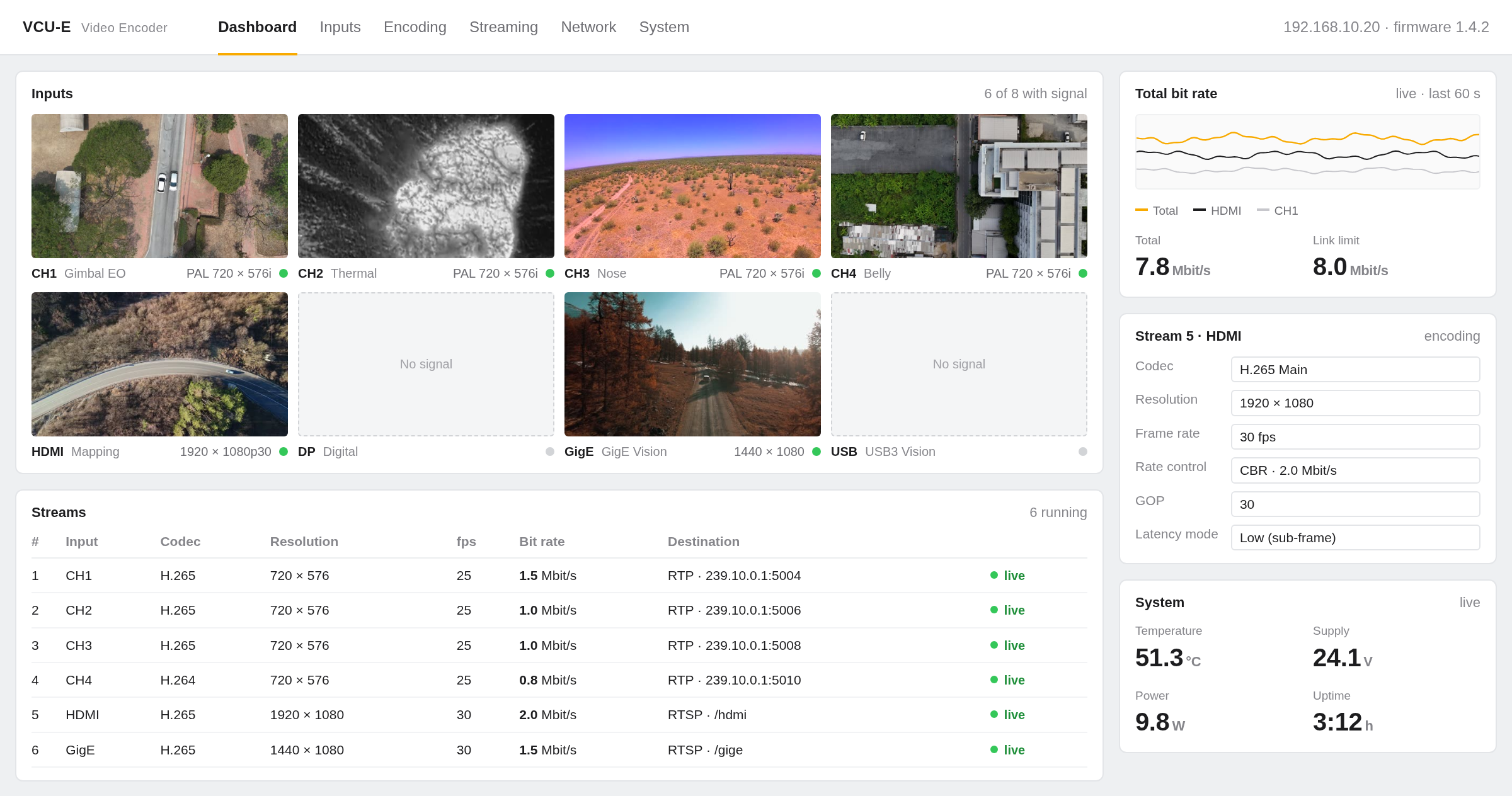
Every VCU serves its own web interface on its Ethernet ports. Open the IP address and change any parameter, with nothing to install.

VCU web GUI: inputs, streams, bit rate and system status

Representative view

Encoding

Codec, resolution, frame rate, bit rate and GOP for each stream, and which input feeds it. Changes apply live, without a restart.

Streaming

Destination, protocol and port for each stream, unicast or multicast, so the video goes exactly where the link and the ground station expect it.

Monitoring

Signal on every input, the state and bit rate of every stream, temperature and supply voltage, live. Firmware is updated from the same page.

Smart Diagnostics

Status at
a Glance.

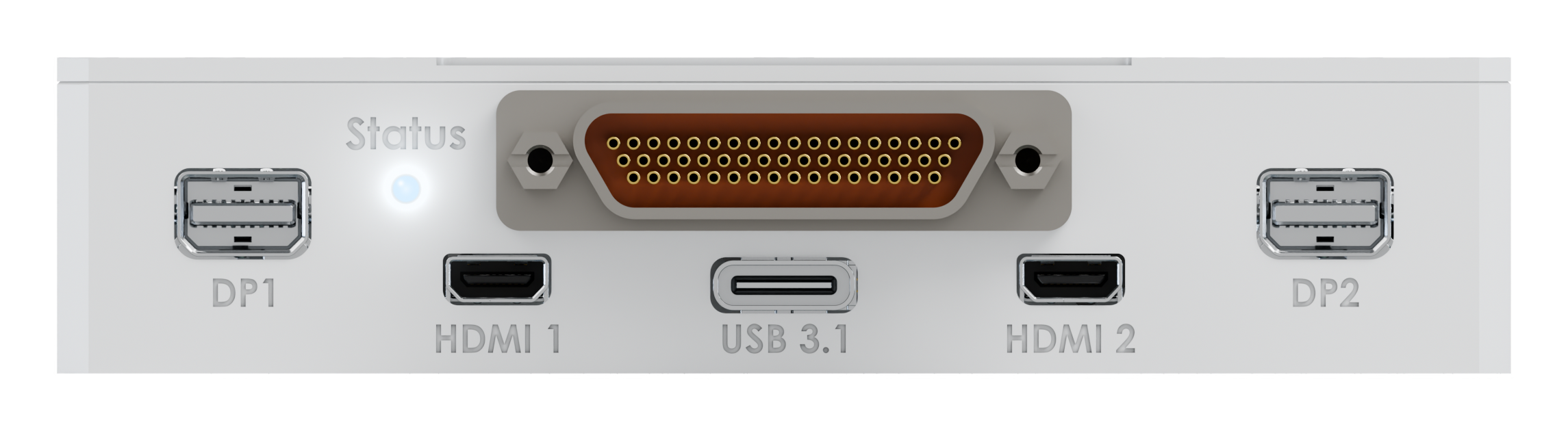
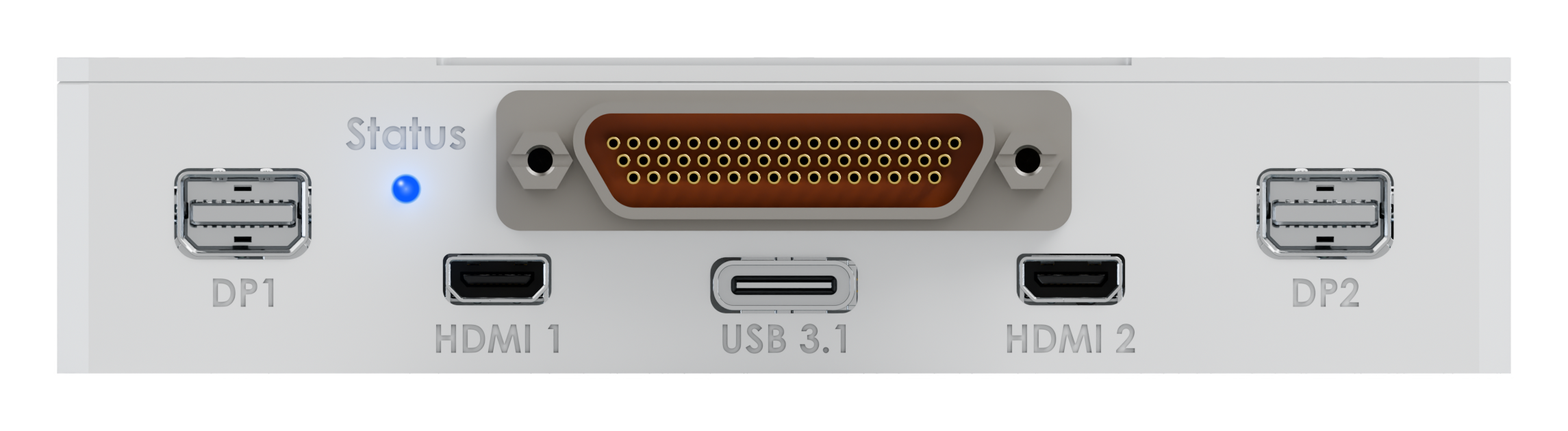
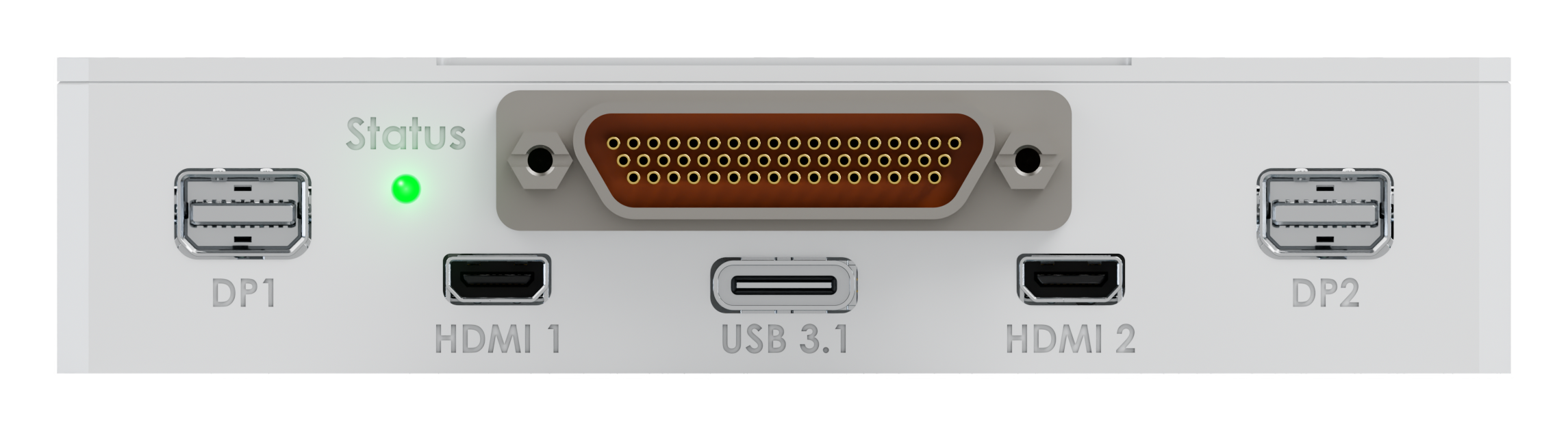
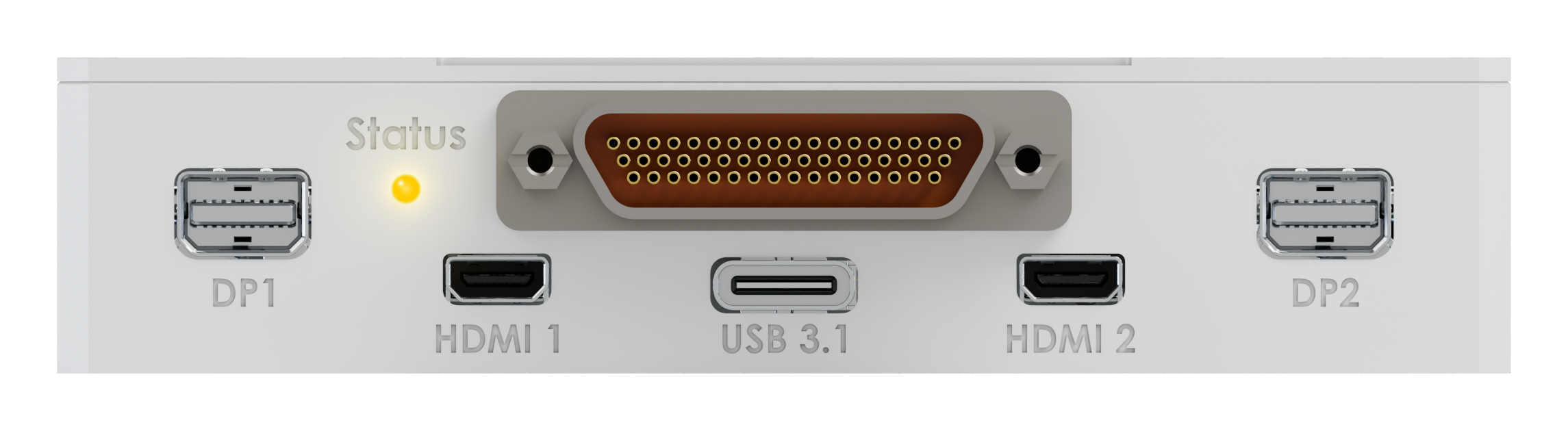
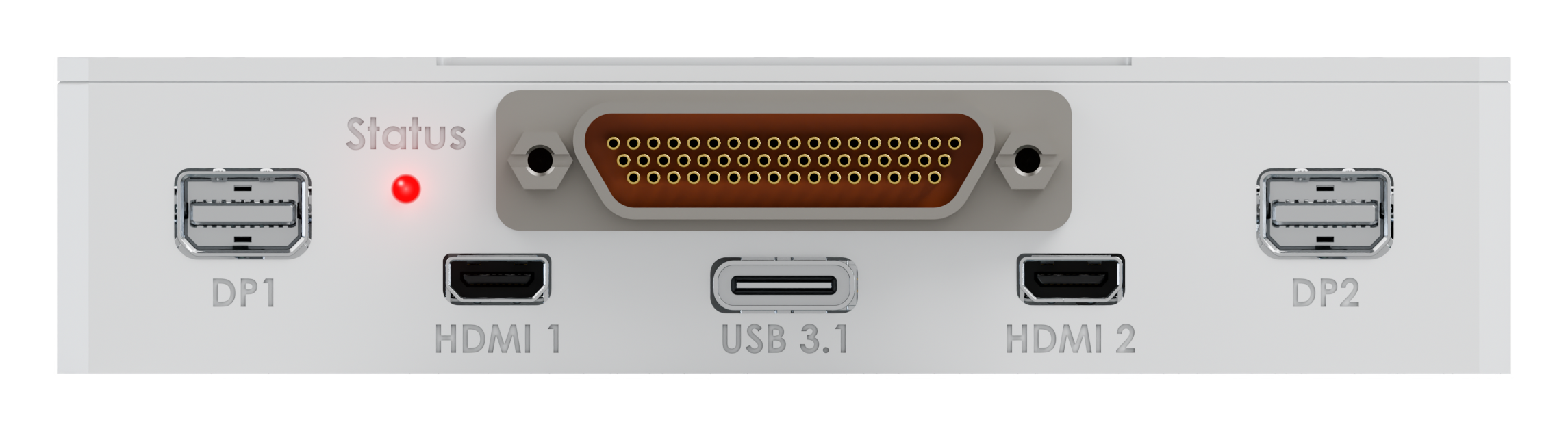
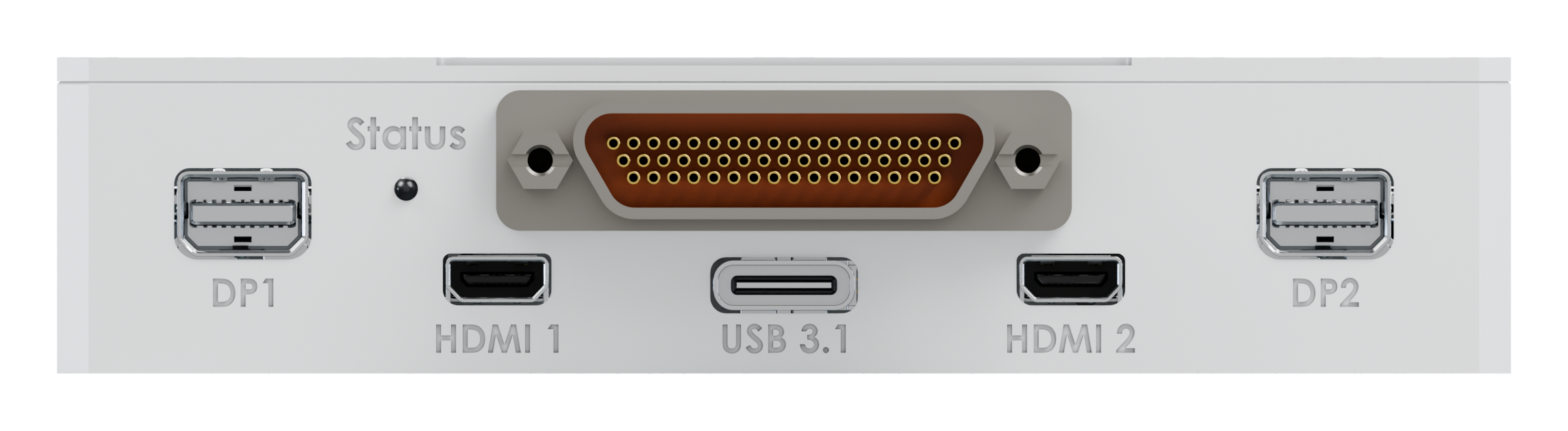
An RGB LED on the front panel shows the encoder’s state without a laptop: starting up, ready, streaming, or reporting a warning or a fault. Each BNC input has its own LED that lights when a camera signal is present, and all of them can be switched off when no light is allowed.

VCU Power On LED VCU Ready LED VCU Streaming LED VCU Attention LED VCU Fault LED VCU Blackout LED

Input power is present and the unit is booting. The LED holds white until the self-test completes and the network is up.

Interfaces & Connectivity

Every camera.
One harness.

Cameras plug in front and back: four BNC, HDMI and DisplayPort in and out, and USB 3.1. Everything the platform needs — power, two Gigabit Ethernet ports, serial and CAN — comes in on a single 51-pin Micro-D, from a 9 to 36 VDC supply.

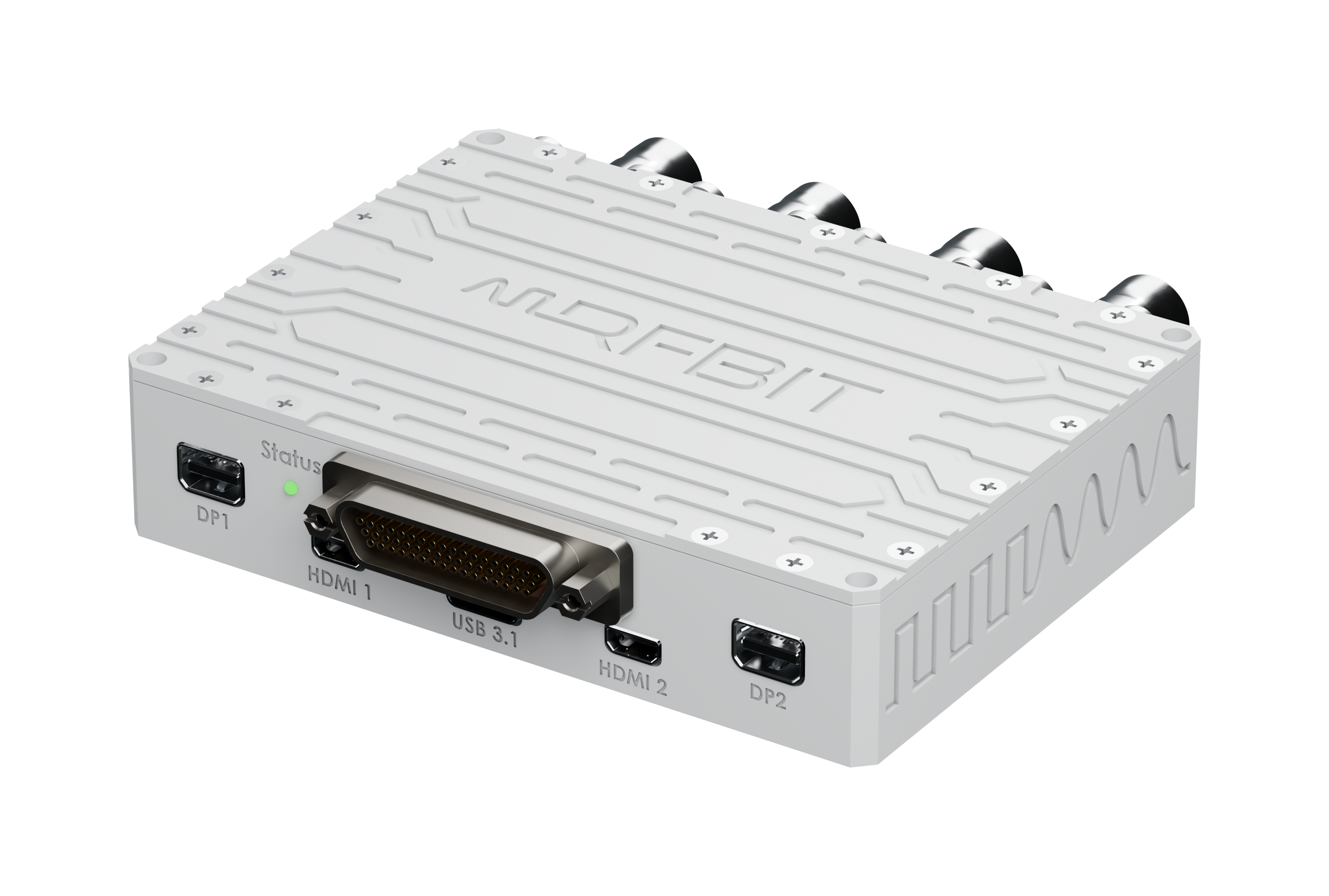
VCU connector face: DisplayPort, HDMI, USB 3.1 and the 51-pin Micro-D
2x

Gigabit Ethernet

Video streams, GigE Vision cameras, web GUI and control

1x

USB 3.1

USB3 Vision and UVC cameras, Teledyne FLIR

4x

Analog Video

Composite PAL / NTSC on BNC

2x

HDMI

One input, one output

2x

DisplayPort

One input, one output

2x

RS-232

Control, camera and gimbal commands

2x

RS-422

Control, camera and gimbal commands

2x

CAN bus

Control and status

Plug and Stream

Connect the cameras, power the unit and point the streams at the data link. VCU sends them as ordinary network traffic over RTSP, RTP or MPEG-TS, so the video shares the link with command and telemetry instead of needing a path of its own.

Under Control

Set it up once in the browser, then drive it from the platform: start and stop streams, switch inputs or change the bit rate in flight, over Ethernet, RS-232, RS-422 or CAN.

Environmental Qualification

Rugged and
qualified.

Every VCU is conduction-cooled with no fan, type-qualified to MIL-STD-810G across seven environmental categories, and to MIL-STD-461F for electromagnetic compatibility. Not simulated. Not estimated. Tested and verified against the standard.

✓ Operating Temperature −40 to +71°C 810G 501.5 Proc II · 502.5 Proc II
✓ Storage Temperature −40 to +85°C 810G 501.5 Proc I · 502.5 Proc I
✓ Altitude Qualification 40,000 ft 810G 500.5 Proc I & II
✓ Humidity 95% RH 810G 507.5 Proc II
✓ Acceleration 810G 513.6 Proc I & II
✓ Vibration 810G 514.6D-2 Proc I · 514.8D-1 Proc I
✓ Mechanical Shock 810G 516.6 Proc I & II
✓ Electromagnetic Compatibility MIL-STD-461F CE102 · CS114 · CS115 · CS116 · RE102 · RS103

Complete Chain

One supplier.
From camera to ground.

Video from a test article or a UAV reaches the ground in three steps: the VCU makes it small enough to send, TTS transmits it over IRIG-106 telemetry, and TRS-1S receives it at the ground station. RFBIT makes all three, so they are built to work together and come from a single supplier.

VCU video encoder
Video Encoder

VCU

Turns the cameras’ raw video into streams small enough for the link, on the aircraft, at a latency an operator can steer by.

You are here
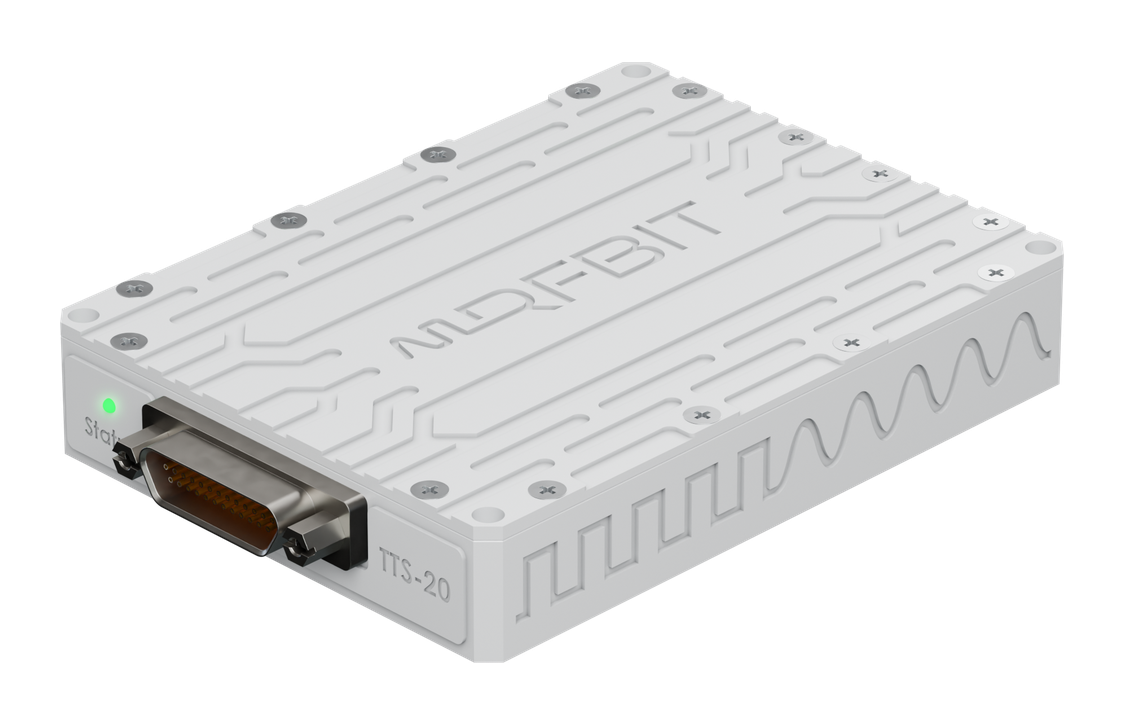
TTS IRIG-106 telemetry transmitter
IRIG-106 Telemetry Transmitter

TTS

Takes the VCU’s stream together with the rest of the flight data and sends it down an IRIG-106 L/S-band link, encrypted with AES-256.

Explore TTS →
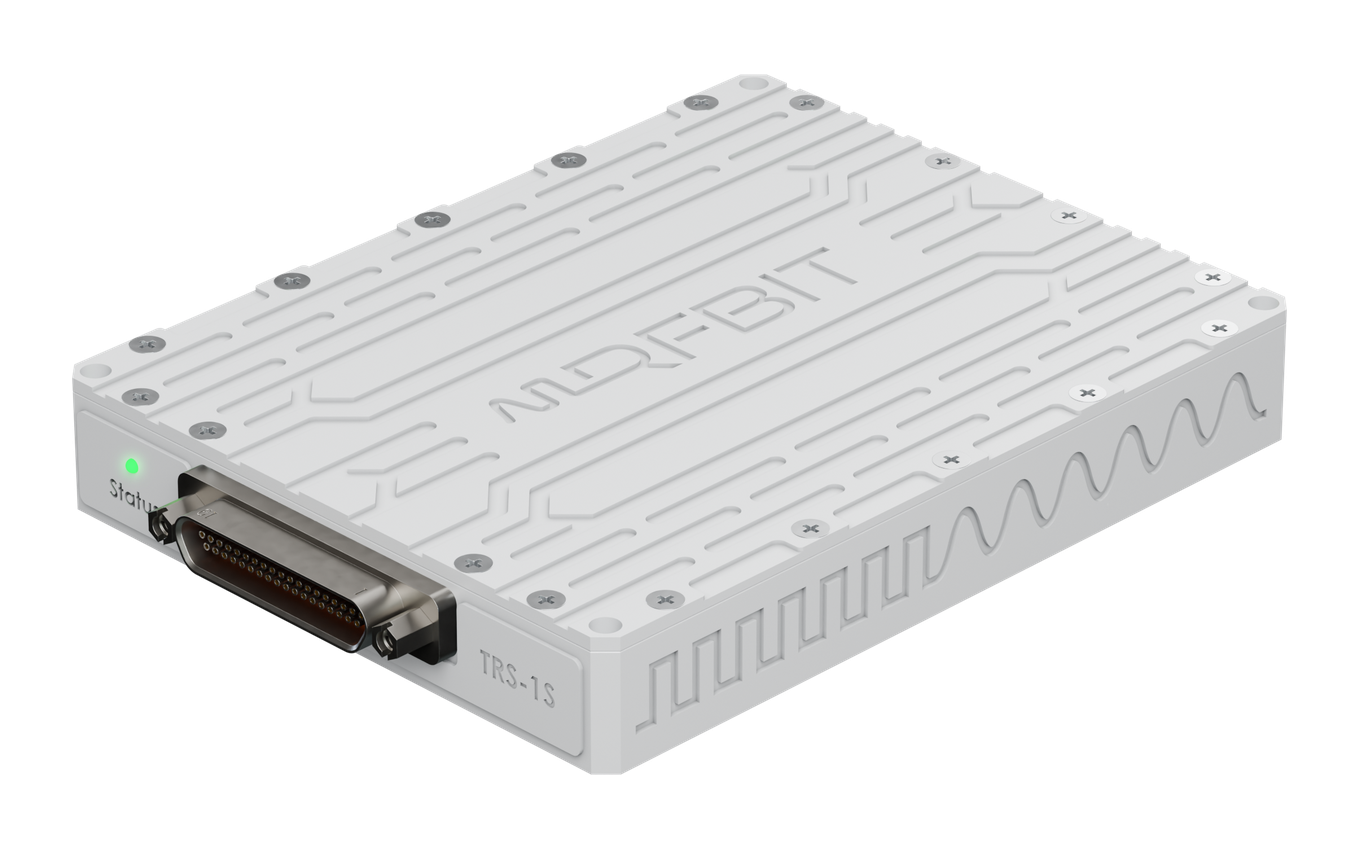
TRS-1S IRIG-106 telemetry receiver
IRIG-106 Telemetry Receiver

TRS-1S

Receives and demodulates the downlink at the ground station and hands the video stream on to the operator’s screens.

Explore TRS-1S →

ITAR-free

Designed and manufactured in Türkiye, and ITAR-free. Nobody in the supply chain can stop your programme for reasons that have nothing to do with it.

Ships in 8–12 Weeks

Both versions ship 8–12 weeks from order. Nothing to install on arrival: the web GUI runs on the unit.

Choose Your Configuration

The encoder in its housing, or as a bare board for gimbal, pod and payload makers.

VCU-E

Video Encoder · H.265 / H.264 · Eight Video Inputs

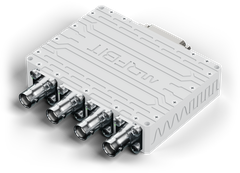
The encoder for the aircraft. Up to eight cameras in, H.265 or H.264 streams out over Gigabit Ethernet to the data link, and HDMI and DisplayPort outputs to check any input on a local screen.

Video In4 analog, HDMI, DP,
GigE Vision, USB
CodecH.265 / H.264
encode
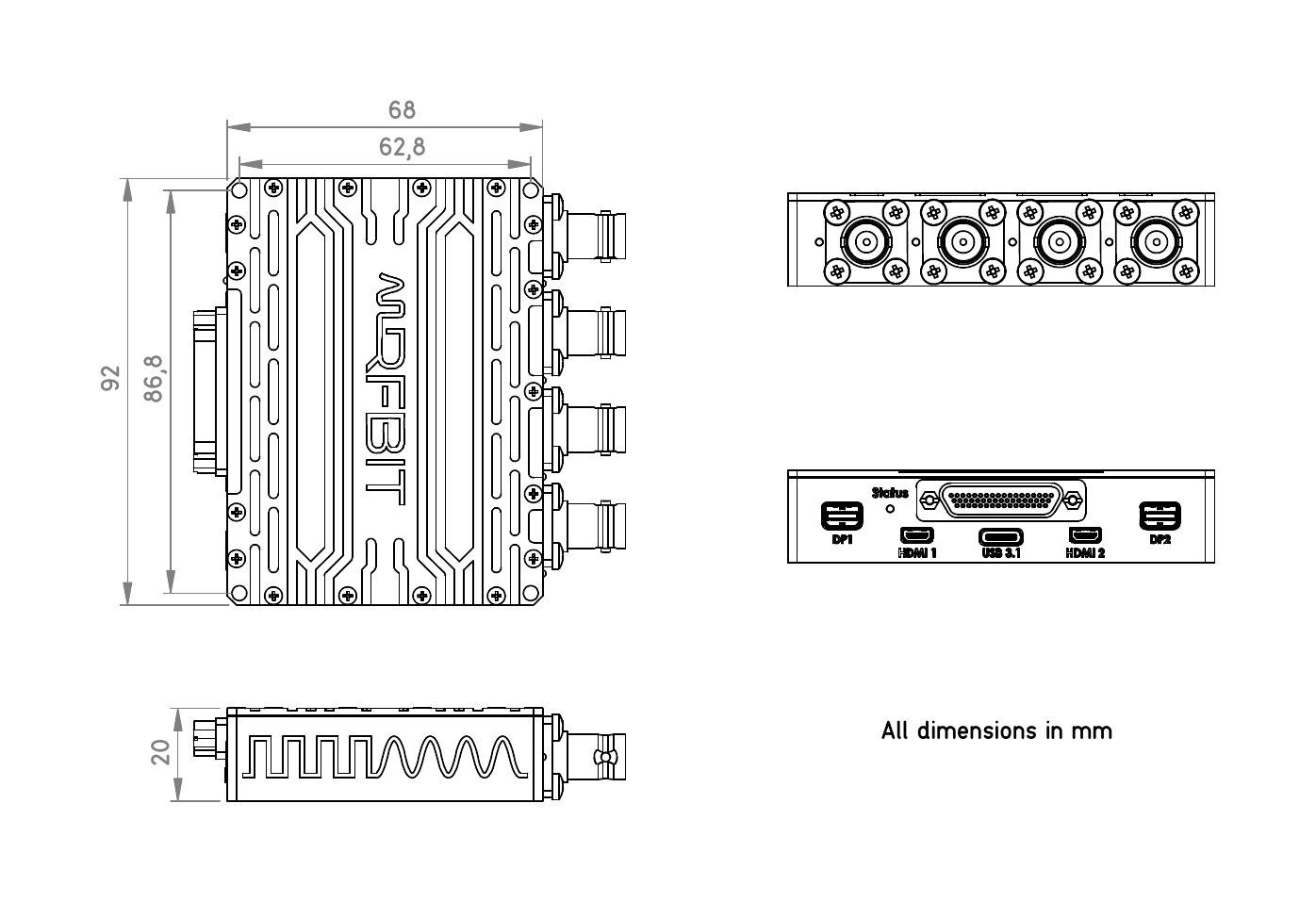
Size92 × 68 × 20 mm
Weight125 g
VCU-E

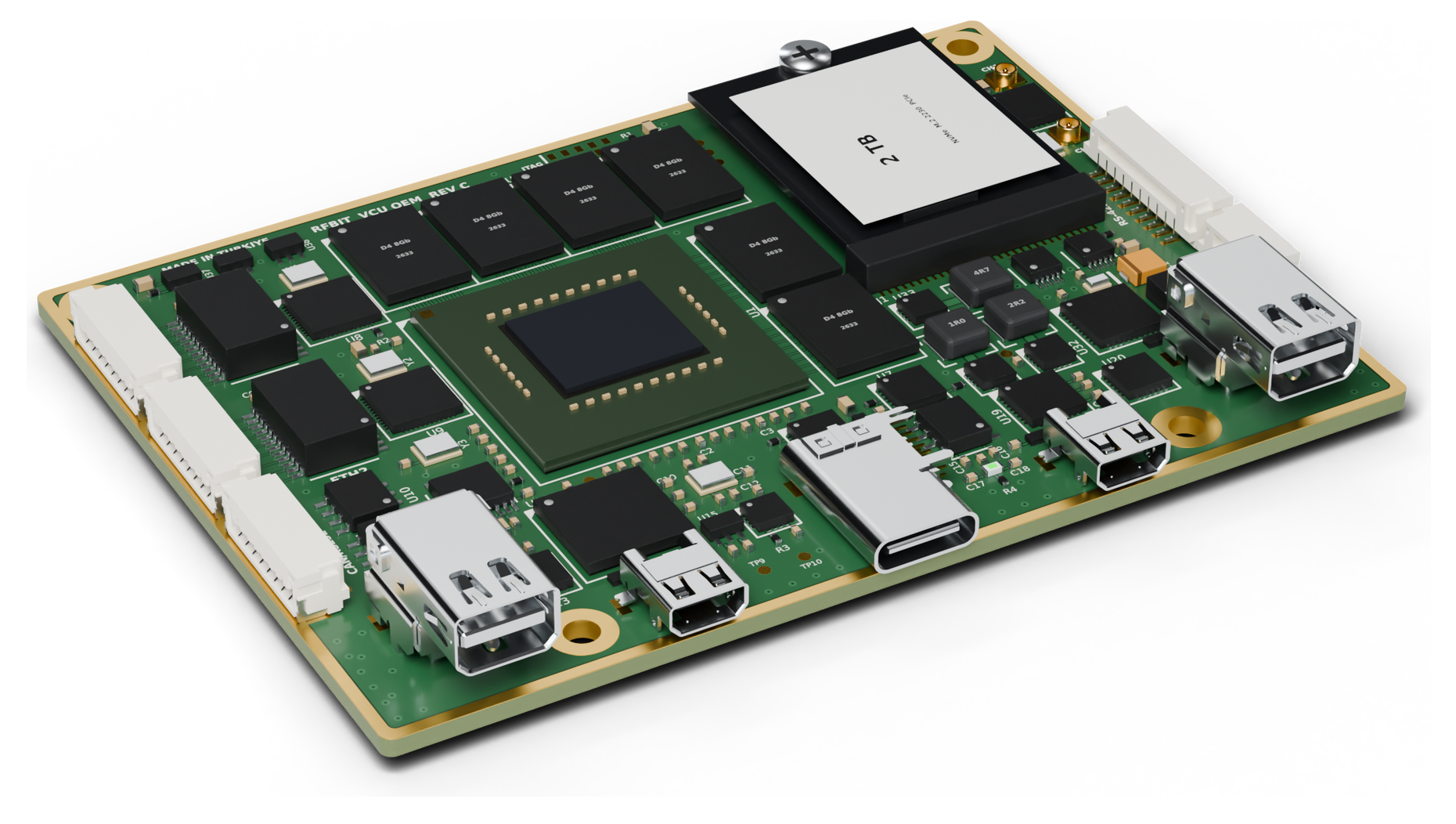
VCU OEM

Board-Level Encoder · H.265 / H.264 · for Gimbals, Pods and Payloads

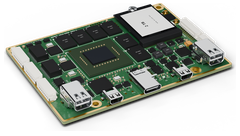
The VCU-E without its housing, for gimbal, pod and payload makers who build it into their own enclosure. The same encoder and the same video connectors on the front edge; U.FL for two analog cameras and locking JST GH headers for power, Ethernet, serial and CAN.

Video In2 analog (U.FL), HDMI,
DP, GigE Vision, USB
CodecH.265 / H.264
encode
Size88 × 64 × 13 mm
Weight52 g
VCU OEM

Specifications — VCU-E

Video
CodecH.265 / HEVC, H.264 / AVC
ProfilesHEVC Main, Main 10; AVC Baseline, Main, High
Max Resolution3840 × 2160 at 60 fps
Simultaneous StreamsUp to 8
Bit Rate100 kbps to 50 Mbps
Rate ControlCBR, VBR
Latency<50 ms glass to glass
Recording2 TB SSD, full quality on board
Video Inputs & Outputs
Analog4× composite, PAL / NTSC, 75 Ω BNC
HDMI1× HDMI in, up to 3840 × 2160 at 60 fps; 1× out
DisplayPort1× DisplayPort in, up to 3840 × 2160 at 60 fps; 1× out
GigE VisionGenICam cameras on both GigE ports
USB CamerasUSB3 Vision, UVC
Teledyne FLIRSupported directly
StreamingRTSP, RTP, UDP, MPEG-TS, SRT
Interfaces
Data Connector51-pin Micro-D
Ethernet2× Gigabit Ethernet
Serial2× RS-232, 2× RS-422
CAN2× CAN bus
USB1× USB 3.1, Type-C
Video Connectors4× BNC, 2× Micro HDMI, 2× Mini DisplayPort
ControlWeb GUI, serial, CAN
Environmental
Operating Temperature−40 to +71 °C
Storage Temperature−40 to +85 °C
AltitudeUp to 40,000 ft
Humidity95% RH
CoolingConduction, no fan
Shock & VibrationMIL-STD-810G
EMCMIL-STD-461F
Mechanical & Power
Size92 × 68 × 20 mm
Weight125 g
Supply9–36 VDC
Power<12 W
Power ProtectionOver/under-voltage, over-current, short-circuit
Surge ProtectionESD, lightning
Mechanical Drawing
Mechanical Drawing
Connector Pinout — 51-pin Micro-D

Row 1 · pins 1–26

1234567891011121314
ETH1 D0+ETH1 D0−ETH1 D1+ETH1 D1−ETH1 D2+ETH1 D2−ETH1 D3+ETH1 D3−ETH2 D0+ETH2 D0−ETH2 D1+ETH2 D1−ETH2 D2+ETH2 D2−
151617181920212223242526
ETH2 D3+ETH2 D3−422-1 TX+422-1 TX−422-1 RX+422-1 RX−422-2 TX+422-2 TX−422-2 RX+422-2 RX−PWR IN+PWR IN+

Row 2 · pins 27–51

27282930313233343536373839
232-1 TX232-1 RX232-2 TX232-2 RXDGNDCAN1 HCAN1 LCAN2 HCAN2 LDGNDNCNCNC
404142434445464748495051
NCNCNCNCNCNCNCNCNCNCPWR IN−PWR IN−
  • Pins 25 and 26 are the supply input, pins 50 and 51 its return.
  • Gigabit Ethernet, RS-422 and CAN run as differential pairs on neighbouring pins.
  • Pins 31 and 36 (DGND) are the ground reference for the RS-232 and CAN lines. Pins 37–49 are not connected.
3D Model
Loading 3D Model...
Drag to rotate • Scroll to zoom
Accessories

Part NumberDescription
VCU-ACC-CBL-51D51-Pin Micro-D Breakout Cable, 1 m (extra): 2× RJ45, serial, CAN and power leads
VCU-ACC-HDMIMicro HDMI to HDMI Cable, 1 m (extra)
VCU-ACC-MDPMini DisplayPort to DisplayPort Cable, 1 m (extra)

All three ship in the evaluation kit; afterwards they are ordered by part number.

Ordering Information

Part NumberModelSidePrice
VCU-EVideo EncoderAirborneFrom $2,499
VCU OEMVideo BoardIntegratedQuoted

Evaluation kit: one ordered unit with the Micro-D breakout, HDMI and DisplayPort cables.

VCU-E from $2,499. ITAR‑free, ships in 8–12 weeks.

Request a Quote

Compare Versions

Two versions, side by side.

ParameterVCU-EVCU‑EEncoderVCU OEMVCU OEMBoard
SideAirborneIntegrated
Video In4× analog (BNC), HDMI, DisplayPort, GigE Vision, USB3 Vision2× analog (U.FL), HDMI, DisplayPort, GigE Vision, USB3 Vision
Video OutNetwork streams; HDMI, DisplayPort monitor outNetwork streams; HDMI, DisplayPort monitor out
CodecH.265 / H.264 encodeH.265 / H.264 encode
Max Resolution3840 × 2160 at 60 fps3840 × 2160 at 60 fps
StreamsUp to 8 encodedUp to 8 encoded
Latency<50 ms glass to glass<50 ms glass to glass
Dimensions (mm)92 × 68 × 2088 × 64 × 13
Weight125 g52 g
Power Consumption<12 W<12 W
Recording2 TB SSD2 TB SSD
PriceFrom $2,499Quoted

VCU OEM is the VCU-E’s board without the housing: the same encoder and firmware, with two analog inputs instead of four.

Mechanical Drawing

VCU on your next aircraft.

Tell us about your cameras and your data link. Our engineers will come back with a configuration and a quote.